User Flow
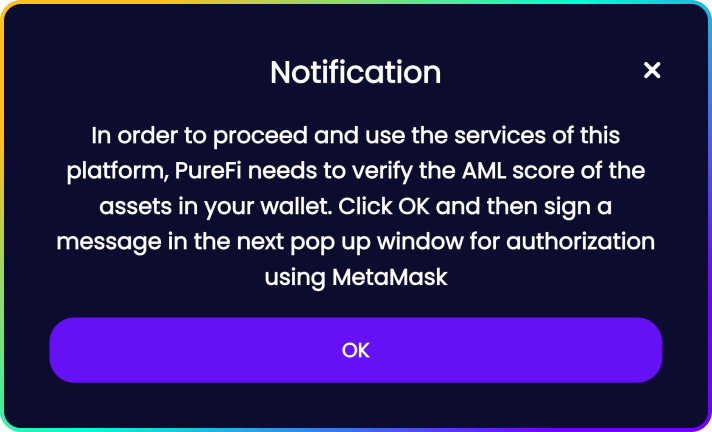
PureFi Widget requires users to authorize a verification request (signing a message).
To perform such verification, users must hold a certain amount of $UFI tokens as a required condition.
User Flow Example
A user wants to perform an action (e.g., stake, provide liquidity, swap) on your dApp. PureFi Widget will notify the user that he needs to connect and sign a message for authorization.
This is a pre-requisite before starting the verification of the user's wallet.
Once a user connects his wallet to the PureFi Widget, it will display the status of the connected wallet:

The AML verification is not performed yet (default)
1.1 A user clicks to perform an AML check. If there are enough $UFI tokens on the user's balance, two statuses are possible:
2.1 The AML risk score of the checked address is Low, and the user can interact with the dApp.

2.2 The AML risk score of the checked address is High, and the user can't interact with the dApp. Front-end will disable the "Sign transaction" button.

2.3 If there are not enough $UFI tokens on the user's balance, the PureFi Widget will display the following error:


AML Score
A. Client decides on the threshold of acceptable AML score for all users, and the widget can be set according to our recommendations or the recommendation of a regulator.
B. Any user's action on the dApp can be a trigger for performing AML screening of the wallet. For instance - depositing, withdrawing, staking, un-staking, transferring, and more.
Depending on the Risk Score, the widget will display either one of these statuses:


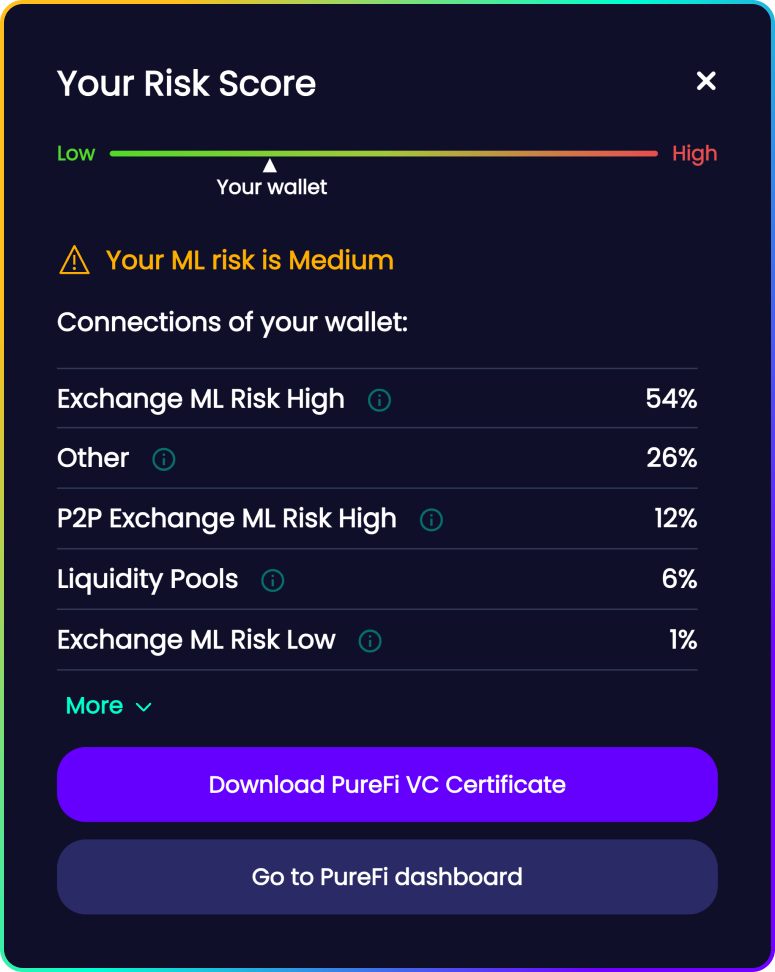
Once the AML screening is performed, a widget modal will popup with the details of the origin of his assets. Every user can also download a digitally signed PDF with their risk score and proven source of funds.